


Image Hover Effects
There are quite a few pleasing effects that can be applied to photos on a website. In this post, I will be discussing the CSS image hover effect. This effect transforms a website in a big way. A bonus is that it isn’t difficult or time consuming to apply.
As you can probably tell from the name “CSS image hover effect”, we will be working with CSS to add this effect. There are several image hover effects that can be created depending on the purpose of your website.
There is also monetary value with this effect. The eCommerce giants eBay and Amazon both have an image effect that will zoom into a product image while hovering the mouse over it. We can create this effect using CSS image hover effect. There is good reason that these eCommerce giants apply this effect to product images. It makes it quick and easy for a shopper to hover over a product and see close up detail. It’s the next best thing to having the product in your hands.
Ease and speed are important with eCommerce websites. A study sponsored by Yottaa found that 57% of shoppers say they have left a slow eCommerce site and bought from a competing brand. The less time that a visitor spends navigating your website, the more likely they are to purchase your products.
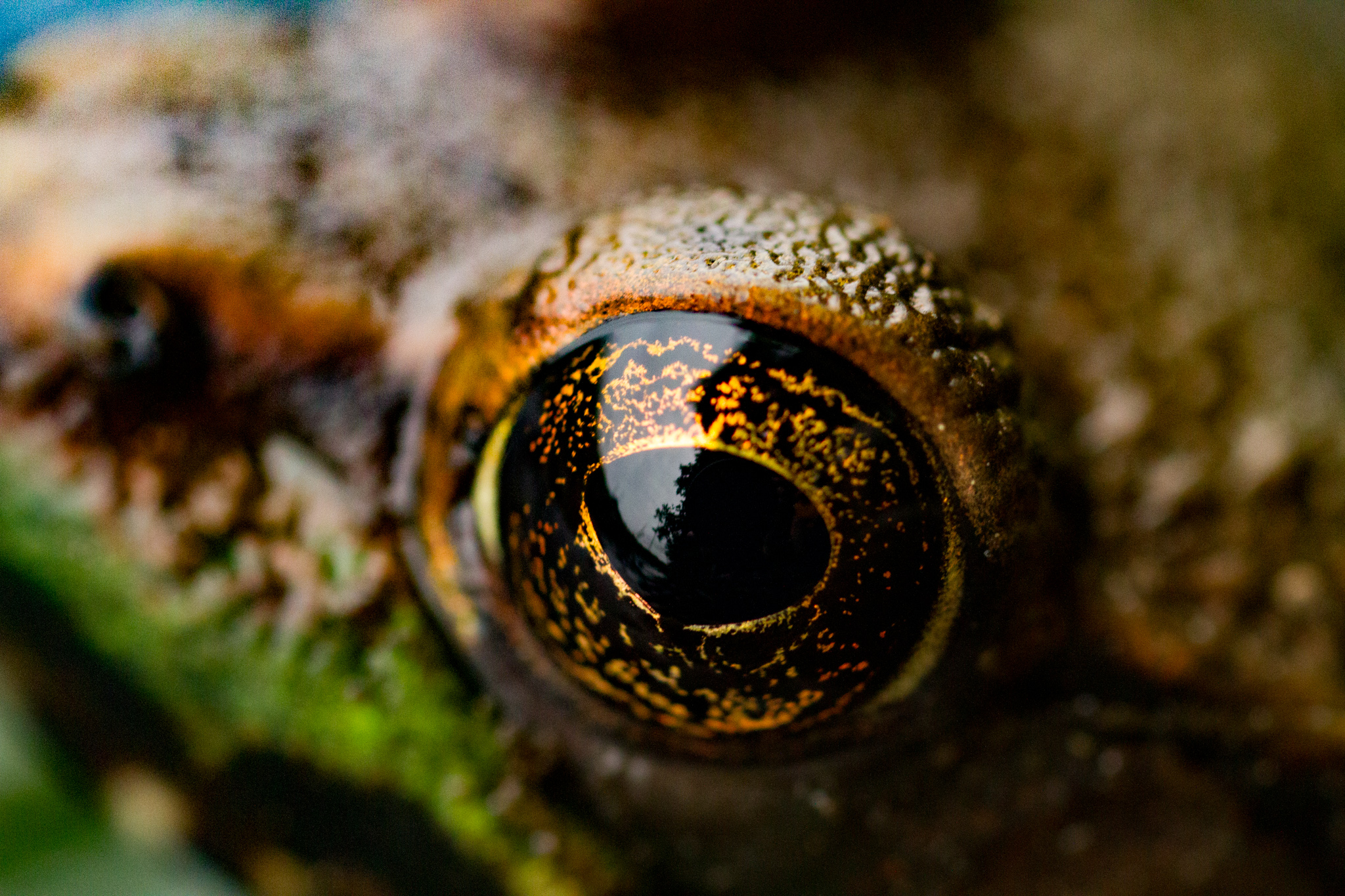
Now that we know the value of this effect, lets learn how to create it. To do this, I will use a photo that I took containing a lot of detail. This image was captured using a macro lens with a 1:1 magnification ratio:
CSS Code:
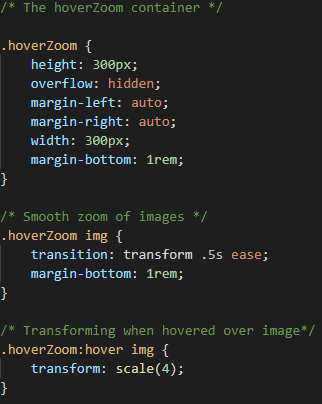
Example Hover Effect: